
How to change your withdrawal limit
STEP1
Login to PowerDirect.
Click "Registered Information".

STEP2
Click "ATM/J-debit Withdrawal Limit Change".

STEP3
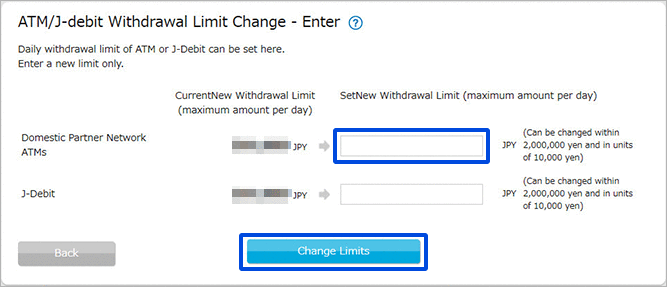
Enter the new daily withdrawal limit (maximum amount per day) for Domestic Partner Network ATMs and click "Change Limits".
STEP4
Please complete identity verification using one of the following methods: Smartphone Authentication, Telephone Authentication, or SMS Authentication.
For details on the authentication methods, please click here.
- Please note that prior registration is required to use Smartphone Authentication.
Smartphone Authentication is available in Japanese only.
For information on how to register, please click here.
STEP5
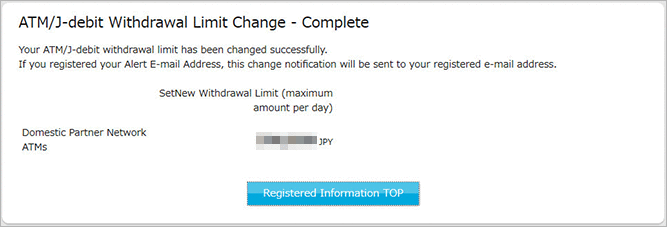
Your ATM withdrawal limit has been changed.
 Close
Close